Every time I try to install from the software center I get this package dependencies error:
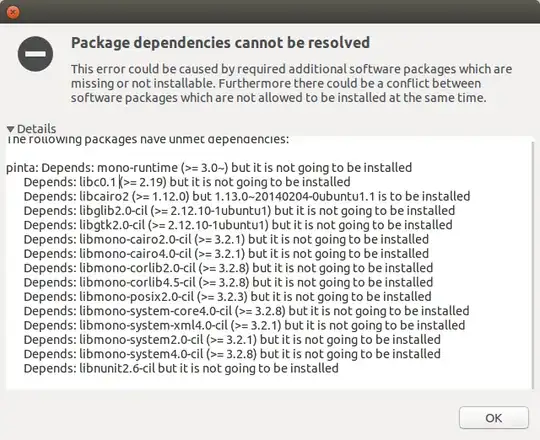
Every time I try to install from the software center I get this package dependencies error:

Try installing with terminal
To open terminal: Ctrl + alt + t
sudo add-apt-repository ppa:pinta-maintainers/pinta-stable

sudo apt-get update

sudo apt-get install pinta

I had a similar issue in my Desktop. I was using another program that was not from the official repository and caused a conflict. In my case it was Emby Server.
Since I stopped using Emby, I removed all the dependencies* that conflicted and then was able to install pinta from the regular repositories.
* Be careful not to uninstall a program you use along with this dependencies.
I was unable to find a solution where I could keep them both.
To know what software is causing the conflict run:
sudo apt-get -s remove libmono-libcairo2.0-cil
The output will list all the programs that will be uninstall because they depend on this library. One of this programs is the culprit.
If none of these works try to look up this link about unmet dependencies: How do I resolve unmet dependencies after adding a PPA?


