Unfortunately document viewer only shows me this if I open my PDF document:
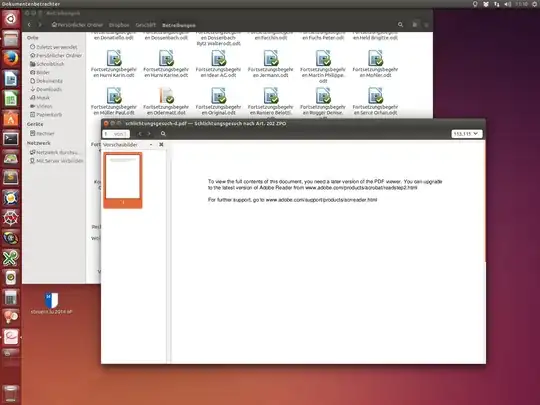
If I enter the Adobelink there is no linux version of acrobate reader. I need to open and write some stuff into this document.
Unfortunately document viewer only shows me this if I open my PDF document:
If I enter the Adobelink there is no linux version of acrobate reader. I need to open and write some stuff into this document.


This document appears to use functions not available in the default PDF viewer (Evince) that you are using. Adobe has long stopped maintaining Reader for Linux, and removed the download links.
However, if you read this article, it is still possible to install Adobe Reader for Ubuntu. The .deb file can be found here. Hopefully, it will offer the functionality that this document requires.

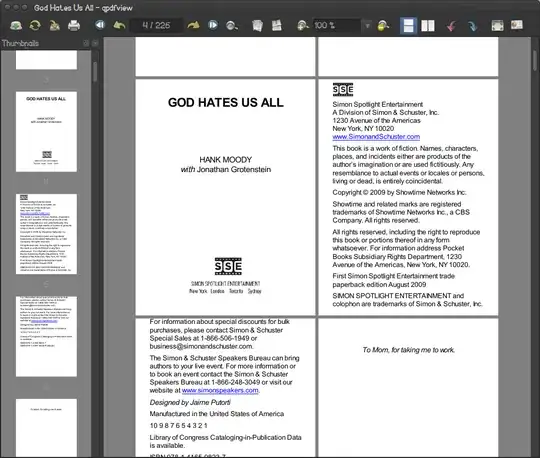
I have qpdfview installed. It's pretty fast and featured enough. It's got different view modes like 2 pages, 4 pages, etc. and also docks changeable thumbnails, outline etc. And unlike Okular which is also a great pdf reader, qpdfview doesn't depend on much to be installed; Okular requires some amount of kde packages. To install the latest stable:
sudo add-apt-repository ppa:b-eltzner/qpdfview
sudo apt-get update
sudo apt-get install qpdfview