5

I installed the xrdp on the ubuntu 14.04 desktop and I followed instructions in Blank desktop when logging in via xrdp, http://ubuntuforums.org/showthread.php?t=1899111&page=2 and https://bugs.launchpad.net/ubuntu/+source/xrdp/+bug/1069272, but after I successfully log in from Windows 7 remote desktop, the screen is:
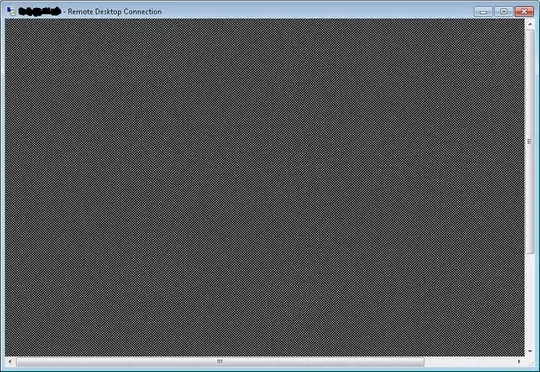
enter image description here

Any idea? Thanks a lot.

PS: Let's restrict the question to Windows's remote desktop + xrdp on the ubuntu 14.04.

2 Answers2

2

It is a bug of xrdp when using it to connect to ubuntu 14.04. See here. The only thing we can do about it now is to wait until xrdp developers show some mercy by starting to think of fixing this bug. Please help me by clicking "this bug affects you" and "subscribe this bug" link of the above launchpad page to increase the bug heat. Thanks.

1

Just xrdp gives your RDC just what is it there, bare X server. To see "desktop", menus, icons etc you need to have some windows manager / desktop environment installed and started. Please elaborate which of them did you install.

The proper way is to edit X startup configuration files -- there are plenty, change often so I can't answer what is file name without your help. For example, my server with xrdp has ~/.xsession file containing xfce4-session and ~/.xinitrc-fvwm has

xsetroot -solid "#0E6E6E"
xset s 600 600 s blank
xset -dpms

As a workaround for 1 particular time I am connecting via ssh and start startx &, this does the rest of magic (menus, panels, icons appear).