In Mac OS it was command+tab. It is one of the most helpful tools, and I was wondering what was it's Ubuntu equivalent?
Asked
Active
Viewed 81 times

2 Answers
4
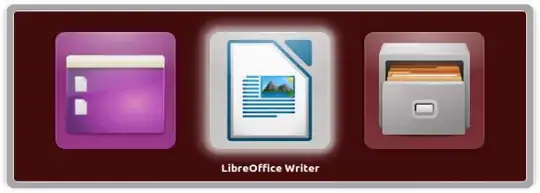
Alt+Tab can be used to easily switch between windows in Unity and most other Desktops - holding Alt down and pressing Tab repeatedly can be used to quickly switch between windows.
Alt+` (the second key is just above Tab on a few keyboards) can be used to switch between windows of the same application
Ctrl+NUMBER can be used to select items from the launcher,
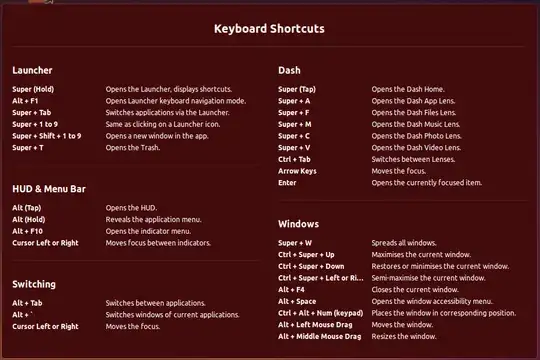
whilst Super+Tab should switch between applications in the launcher.
Other short cuts are shown on first login (in 14.04 atleast) or by holding down Super:

Wilf
- 30,732
