i was trying to uninstall wine, but the command i got from this site destroyed my ubuntu machine. the command was "sudo apt-get remove wine*" or --purge in place of remove would do same thing. it uninstalled everything. luckly i had everything on an external hdd.
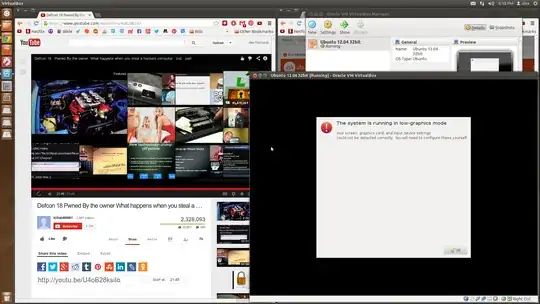
so i reinstalled 12.04 64bit. started up virtual box, made a virtual machine for 12.04 32bit. (was going to test wine apps in it). the installation process was ok. but after reboot of the virtual machine, i get low graphics window at bootup. then i deleted and tried again. same thing.
i gave the virtual machine: 2 CPU cores 2GB ram 128MB video ram 3d & 2d acceleration. 16GB HDD.
my ubuntu 64bit machine has: AMD 4 core 16GB ram nvidia gtx 650 1TB+
It was working before the melt down. soo im not getting it...