This answer is the result of info provided by Mik in a comment, indicating an answer of his.
Shotwell  does very well what is asked.
Just connect the camera and start it (without mounting it), and run Shotwell . It will try to access the pictures.
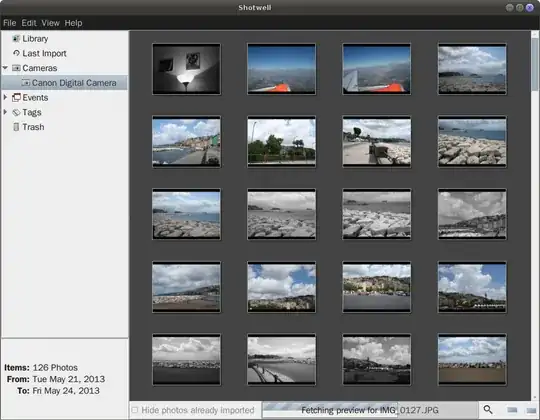
In this way the camera contents are visible. Selecting some or all of them you can then right-click import them into ~/Pictures/Year/Month_etc/
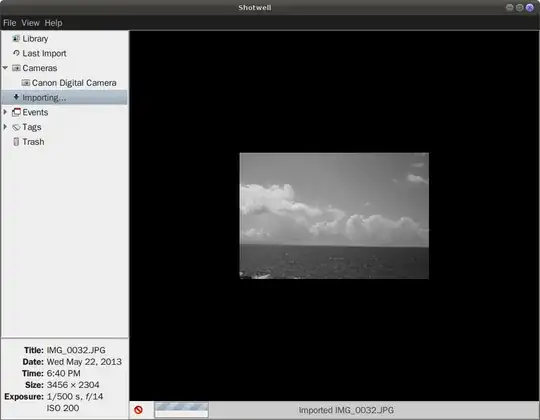
After that the program will offer to delete the pictures on the camera.
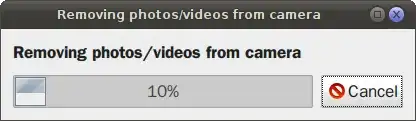
Pictures are stored in multiple directory levels, according to year, month, day, but this is customizable - under 'Edit/Preferences' - Importing: Directory structure.

