How can I enable ongoing changes to a working USB flash drive installation of Ubuntu 12? I would like to be able to add applications/tools and be able to use them on subsequent boot ups to the flash drive.
Asked
Active
Viewed 87 times

1 Answers
1
This depends on the way you created the USB flashdrive. If you used "Startup disk creator" it gives you the option to store the changes "in reserved extra space".
So:
- get a USB stick that is big enough to store your changes,
- then use "Startup disk creator"
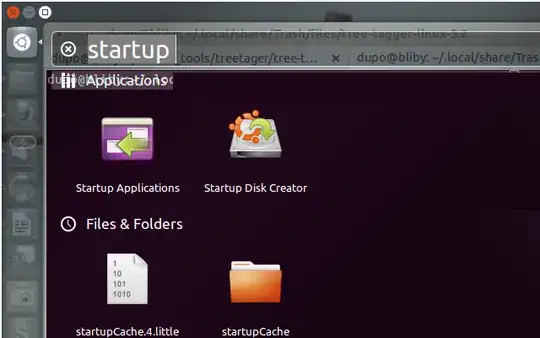
- load the Ubuntu ISO file that you downloaded from the Ubuntu site
- the use the slider on the bottom of the window to allocate space of the USB stick for storing settings

- next time you boot with the USB stick, the changes and installations will remain there, provided that there is enough space

lefterav
- 636