I have Cairo Dock's Version 3.0.0.1 installed and I've added it on start up. Now I want to remove it from Start Up, How I can do the Same? Please Help Me!
Asked
Active
Viewed 1.2k times

2 Answers
6
(Assuming you are using 12.04)
Click on the little wrench icon at the top-right position of the panel.
Select Startup Applications
There should be an entry for "Cairo-dock", select it
Remove the tick mark from the entry.
Logout and Login again to test it.

Anwar
- 77,855
6
- Run
Startup Applicationsprogram
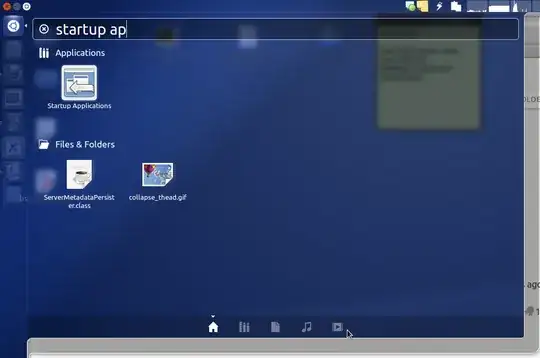
- Find an item that start with "GLX-Dock" in the shown list and unchecked it.

In your next login Cairo Dock will not start at login time.

Saeed Zarinfam
- 17,872