EtchDroid to create Ubuntu Live USB using Smartphone
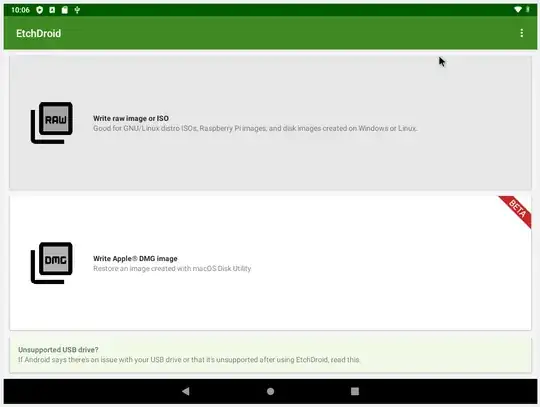
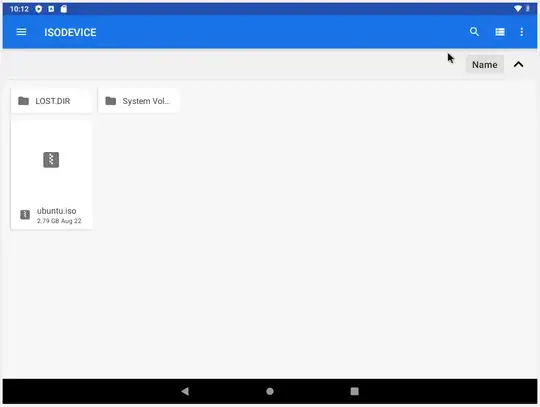
- Selected the Ubuntu ISO file
- Selected the target USB from upper right on the screen:
.
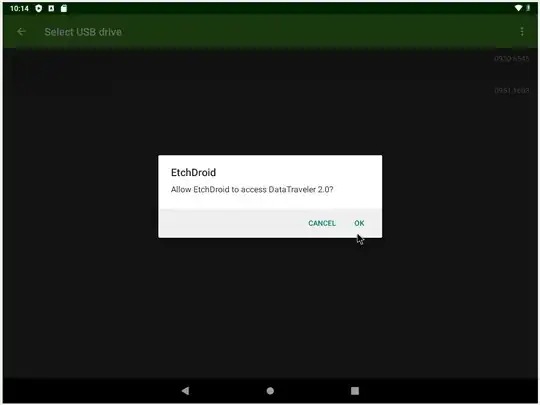
And clicked the write icon on the lower right.

There is no progress meter, at first I thought nothing had happened but when I returned later I found that the USB was ready for a Live boot or Install.
There are similar apps that flash image files to USB using Windows including Etcher and Win32DiskImager, and from Ubuntu including Etcher, Startup Disk Creator and Gnome-Disks. This is a handy free app to have on your phone.
The phone does not need to be rooted to use EtchDroid. My only complaint is that this app will not write to an internal SD card, but I understand that this is a safety feature.
An app for installing Ubuntu directly from an Android phone is DriveDroid, it works perfect, however it does require a rooted phone: How to install Ubuntu using a smart phone as the installation media?


