Possible Duplicate:
How do I disable the Unity keyboard shortcut overlay?
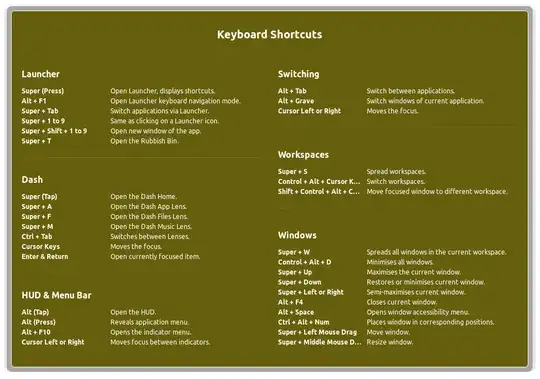
If I hold windows key & click, this keyboard shortcuts screen appears. Is there any way I can stop this appearing altogether?
Possible Duplicate:
How do I disable the Unity keyboard shortcut overlay?
If I hold windows key & click, this keyboard shortcuts screen appears. Is there any way I can stop this appearing altogether?
Right now this feature to disable isn't in Ubuntu yet.
You can set it by command line for now till the feature is available
gconftool --set "/apps/compiz-1/plugins/unityshell/screen0/options/shortcut_overlay" --type bool false
In case you get gconftool not found, then you can first install the package gconf2 either from Software center or command line
sudo apt-get install gconf2
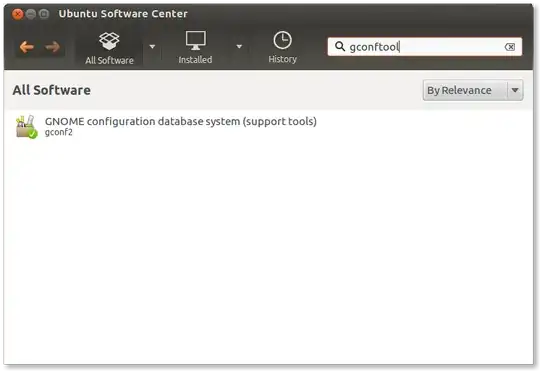
In my case it shows installed as I have already installed it


