Rather than logging out and loosing all their work you can use Lock Screen Timer to lock the screen after 30 minutes. Then if patron chooses to pay for more time your can unlock the screen and they'll resume where they left off.
Lock Screen Timer optionally gives a running countdown on the status bar. It automatically issues a "pop-up bubble message" of time remaining with an audio alert at 15, 10, 5, 3, 2 and 1 minute remaining. This allows the patron to save their work appropriately.
You can find the Lock Screen Timer code here in Ask Ubuntu: Application that will lock screen after a set amount of time for Ubuntu
This is what it looks like when you start the timer for 28 minutes:
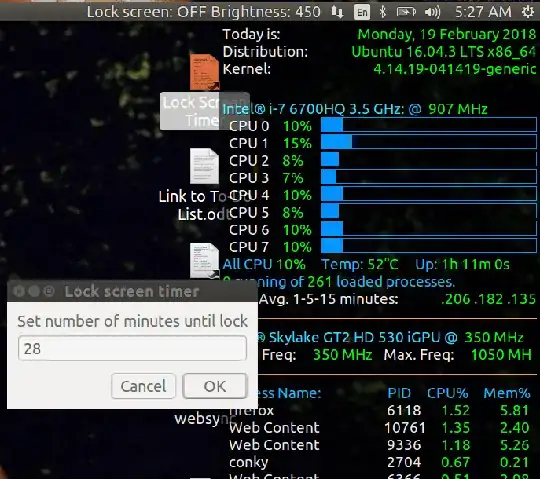
The number of minutes defaults to 30 but in this animation I had overridden it to 28 minutes.
If after say 15 minutes they want to pay for another 30 minutes you can relaunch the timer and it will kill the previous countdown. Then you can restart the countdown and manually enter 45 minutes.
Note: There is no client database nor remote control. You'll have to collect the money from the patron, walk them to an unoccupied terminal and manually unlock the screen for them.


