I maintain Thumbnailator, a thumbnail generating library for Java, which provides means to resize images and do some simple image manipulations via a easy-to-use fluent API.
One of the features that Thumbnailator provides is the Canvas filter which can perform cropping and padding (or letterboxing) of resulting thumbnails.
Padding an image
For example, using the Canvas filter to pad an image can be achieved by the following:
Thumbnails.of("path/to/image.jpg")
  .size(150, 150)
  .addFilter(new Canvas(150, 150, Positions.CENTER, Color.blue))
  .toFile("path/to/padded-image.jpg");
The above will:
- Take an original image and shrink it to fit within 150 x 150 via the
size method.
- Then, an additional filtering step specified by the
addFilter method will add a blue padding (using Color.blue) to result in an final image with the dimensions 150 x 150.
- Save the resulting thumbnail to
path/to/padded-image.jpg.
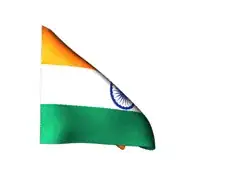
Using the above code on a portrait picture results in the following:
(source: coobird.net)
Cropping an image
Cropping an image with the Canvas filter can be achieved by the following:
Thumbnails.of("path/to/image.jpg")
  .size(150, 150)
  .addFilter(new Canvas(100, 100, Positions.TOP_RIGHT, true))
  .toFile("path/to/cropped-image.jpg");
The above code will:
- Take an original image and shrink it to fit within 150 x 150 via the
size method.
- Then, an additional filtering step will crop out a 100 x 100 region from the top-right hand corner of the resized image. (The
true argument that is present in the Canvas constructor call indicates that an image should be cropped if larger than the specified dimensions.)
- Save the resulting thumbnail to
path/to/cropped-image.jpg.
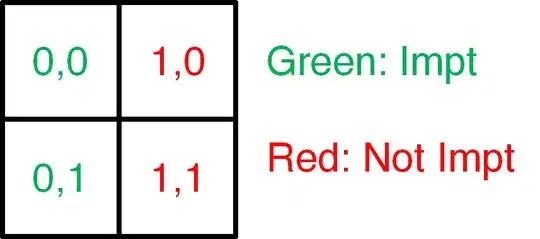
An example of running the above code will be the following:
(source: coobird.net)
There are currently feature requests to make cropping a more integral part of the Thumbnailator API, so in the future I am planning to add a crop method which should reduce the need for calling the addFilter method under most circumstances.