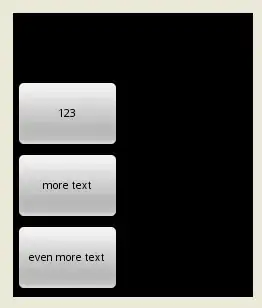
As part of a larger UI, I have a RelativeLayout with three Views that I would like to have the same width. The three views are "stacked" on top of each other like this
ImageViewTextViewImageView
I've tried various things such as setting the Views' android:layout_width to "wrap_content", setting android:layout_width to "0px" and android:layout_weight to "1" as suggested by this answer, and placing the Views in a LinearLayout with no success.
How can I get these three views to be the same width?
Relevant portion of the layout xml:
<RelativeLayout
    android:layout_width="fill_parent"
    android:layout_height="0px"
    android:layout_weight="1">
        <ImageView
            android:layout_above="@string/window_text"
            android:layout_below="@string/eighteen_id"
            android:layout_height="wrap_content"
            android:layout_width="wrap_content"
            android:paddingTop="5dp"
            android:layout_alignParentRight="true"
            android:paddingBottom="5dp"
            android:src="@drawable/line1"
            android:id="@string/line_1_id"/>
        <TextView
            android:layout_above="@string/line_2_id"
            android:layout_height="wrap_content"
            android:layout_width="fill_parent"
            android:gravity="right"
            android:layout_centerVertical="true"
            android:textColor="#000000"
            android:id="@string/window_text"/>
        <ImageView
            android:layout_above="@string/top_row_id"
            android:layout_height="wrap_content"
            android:layout_width="wrap_content"
            android:layout_alignParentRight="true"
            android:paddingTop="5dp"
            android:paddingBottom="10dp"
            android:src="@drawable/line1"
            android:id="@string/line_2_id"/>
</RelativeLayout>