I want to access a folder that contains already written java files and img files in Eclipse. I did it already with one folder but I don't remember how. I want to get everything in one place like in this picture
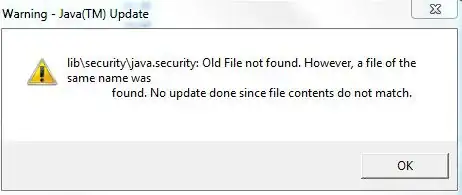
Error
I want to access a folder that contains already written java files and img files in Eclipse. I did it already with one folder but I don't remember how. I want to get everything in one place like in this picture
Error


Type a name into the "Project Name" box
Uncheck "Use Default Location" and put in a path to your folder

4. Click Finish
You may also need to set your source folder to be a source folder. Right Click > Build Path > Use as Source Folder
If you end up with access restriction errors on system libraries, follow the instructions given here -- delete the JRE library from your build path and add it back.
I ended up creating a new project and creating a new folder, and then linked it to the existing folder i wanted to add

