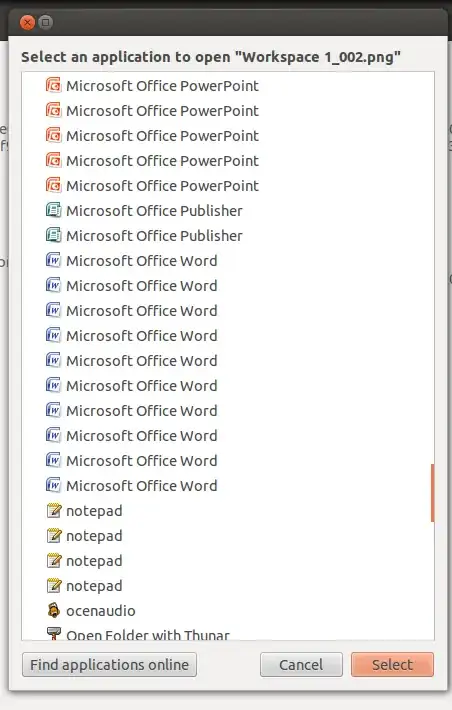
As shown in the screenshot above, there are many multiple duplicated entries for same application when using the open with menu.
open with appears when right click on a file or whatever and choose open with
My question: How to reset this menu or delete the duplicated entries?!
PS This is not duplicate. This answer here How can I clean up the Open With.. Menu is not valid anymore.
Another PS: Those are wine apps, but the status is same even for native apps, moreover those wine apps I've already uninstall most of them
I'm using Ubuntu 12.04 with Nautilus 3.4.2


